
How Can We Help?
Search for answers or browse our knowledge base.
-
Getting Started
-
Navigating the HEAL User Interface (UI)
-
Dashboards, Monitoring & Administration
-
AIOps Features
< All Topics
Print
PostedOctober 9, 2023
UpdatedDecember 1, 2025
BySamir Senapati
 Single PDF
 Bulk PDF
 Section
To log out, select  icon at the top right corner of the HEAL UI, which will display a pop-up. Then, to exit the HEAL system, select the Logout option.
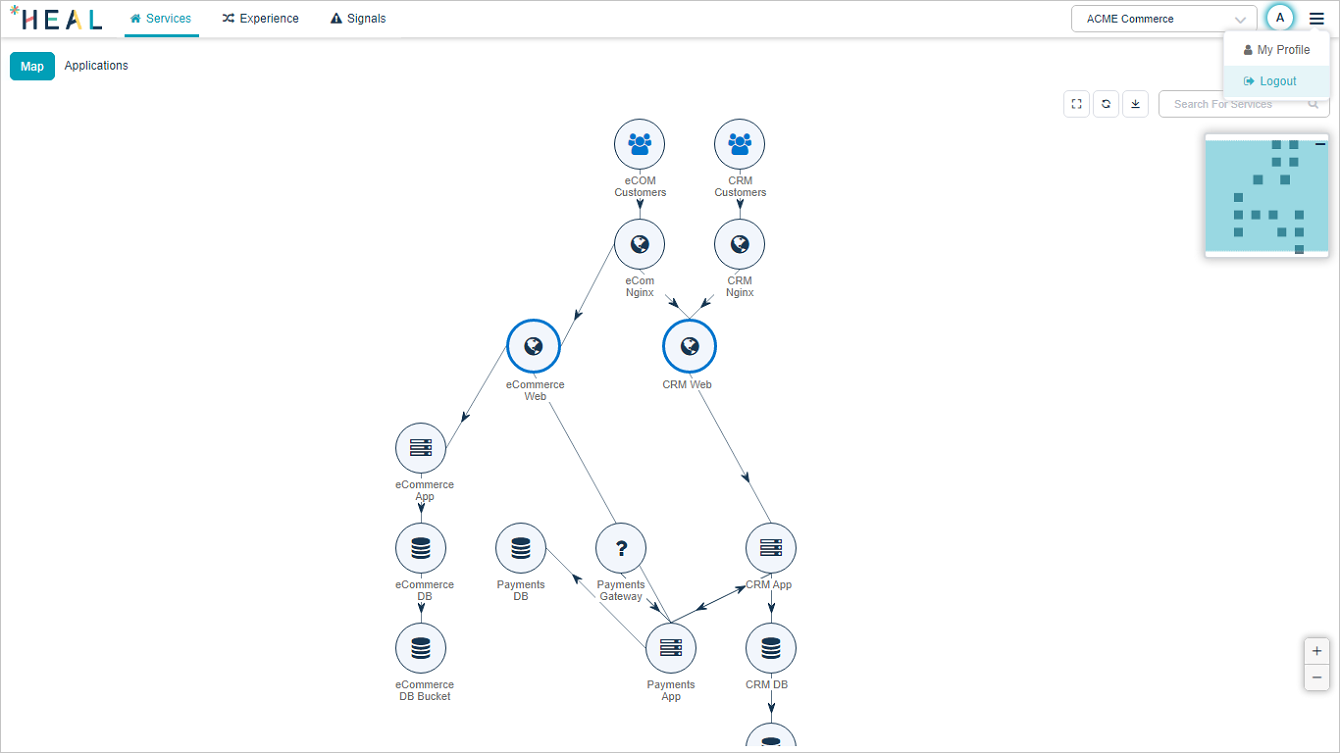
Table of Contents
