
How Can We Help?
Search for answers or browse our knowledge base.
 Single PDF
 Bulk PDF
 Section
If you’ve forgotten your password, you can reset it by:
1. Going to the HEAL UI login page and clicking ‘Forgot Password?‘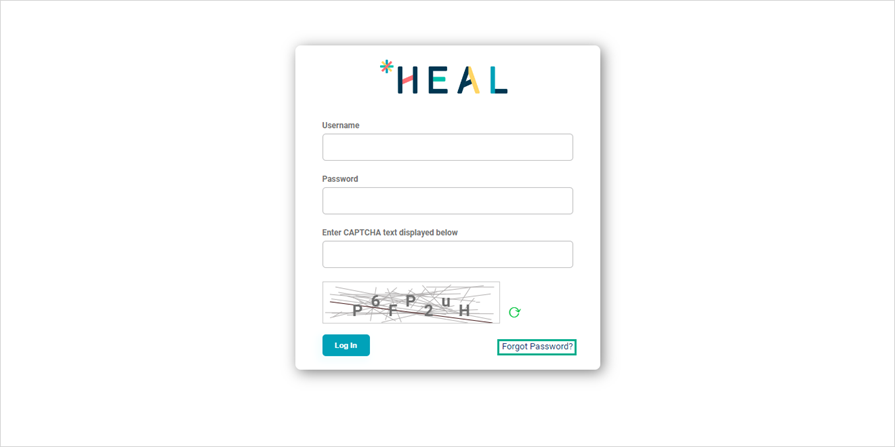
2. Enter your HEAL UI username and click Submit.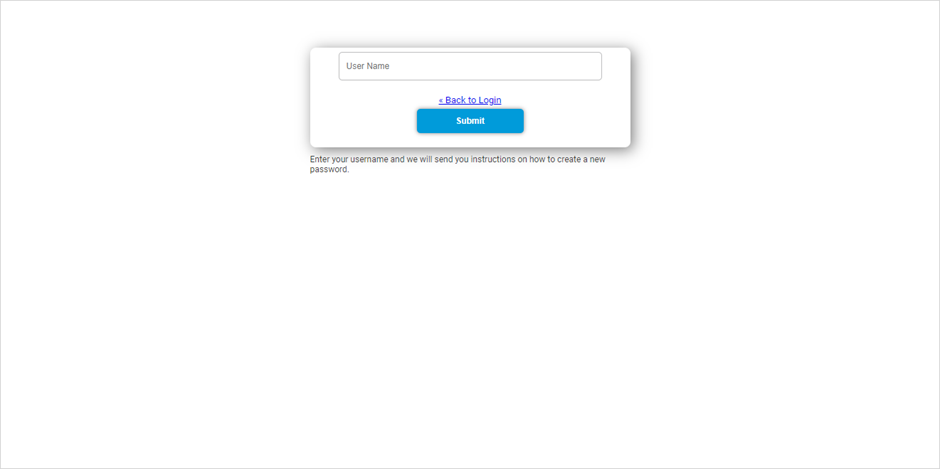
3. Check your registered email for the ‘Reset Password‘ email. Click on the ‘Link to reset credentials‘ in the email.
Info: The password reset link is valid only for 15 minutes.
4. On the ‘Update password‘ page, enter a new password, confirm it, and click ‘Submit‘.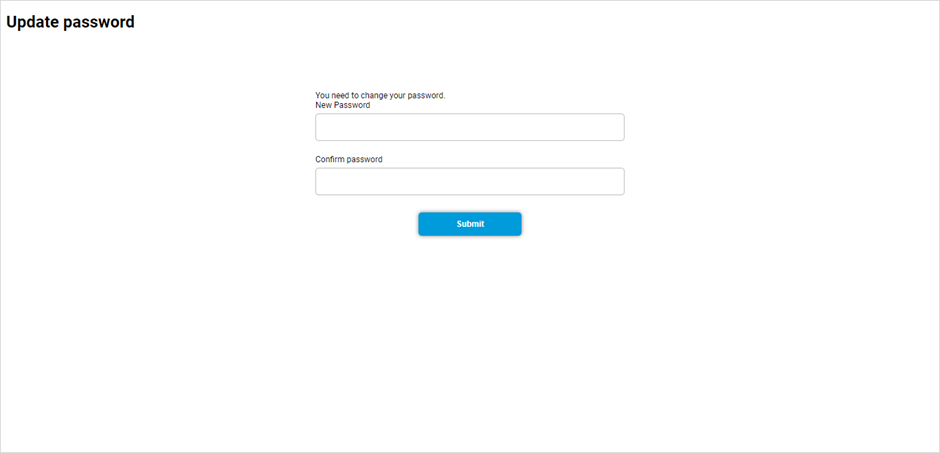
Update Password page: The password should meet the below criteria’s:
- It should not be one of the last three passwords used.
- It must contain at least five characters.
- It must include at least one uppercase character, one special character, and one digit.[/box]
5. After the password is updated, you’ll see the message ‘Your account has been updated‘.
