
How Can We Help?
Search for answers or browse our knowledge base.


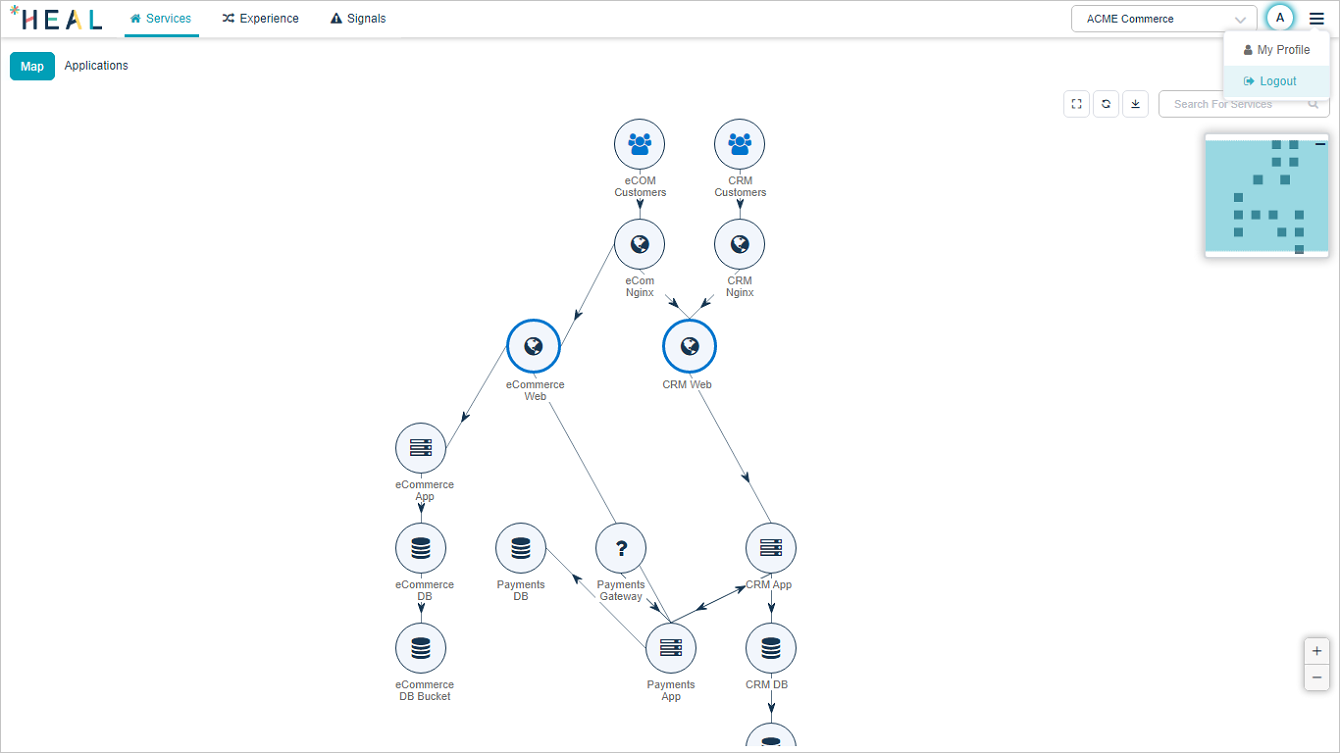
End your HEAL session from the user menu in the top-right corner.
Log out
1. Click the user icon  in the top-right corner of the HEAL UI.
2. Click Logout in the popup.
Heads up. If you walk away without logging out, the session ends on its own once the idle timeout passes. Logging out is still the safest option on shared workstations.
Next
- HEAL UI Security . how sessions are protected.
- Accessing HEAL UI . log back in.
