
How Can We Help?
Search for answers or browse our knowledge base.


HEAL’s Gen AI assistant is a chatbot, powered by a large language model, that answers natural-language questions about an incident. It analyzes the incident data and produces AI-generated insights to support root cause analysis and resolution planning.
How to use it
From the Incident Details page:
1. Pick the incident you want to analyze.
2. Scroll to the bottom of the page and click the expand icon to open the HEAL Chatbot.
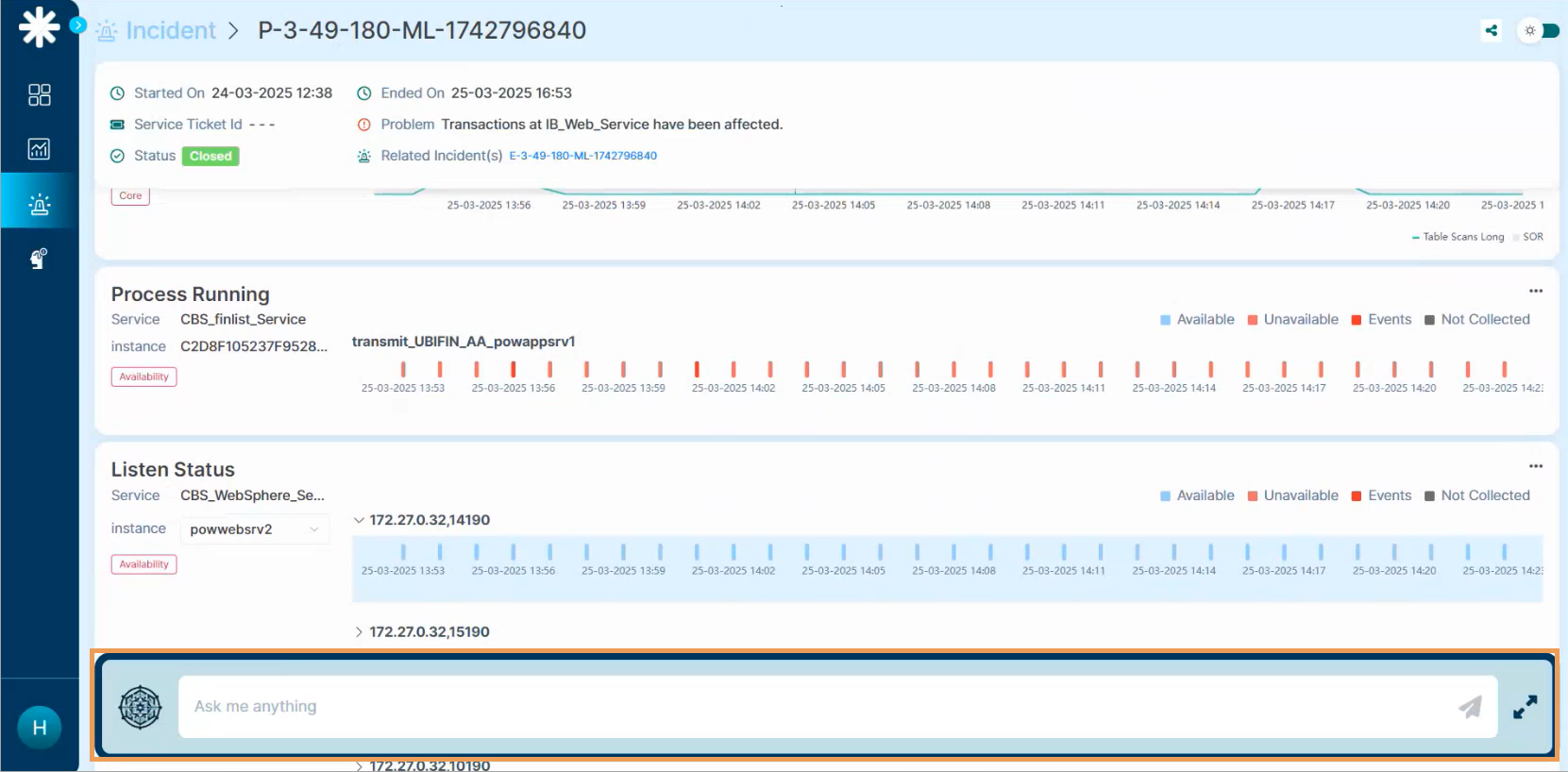
The chatbot panel appears.
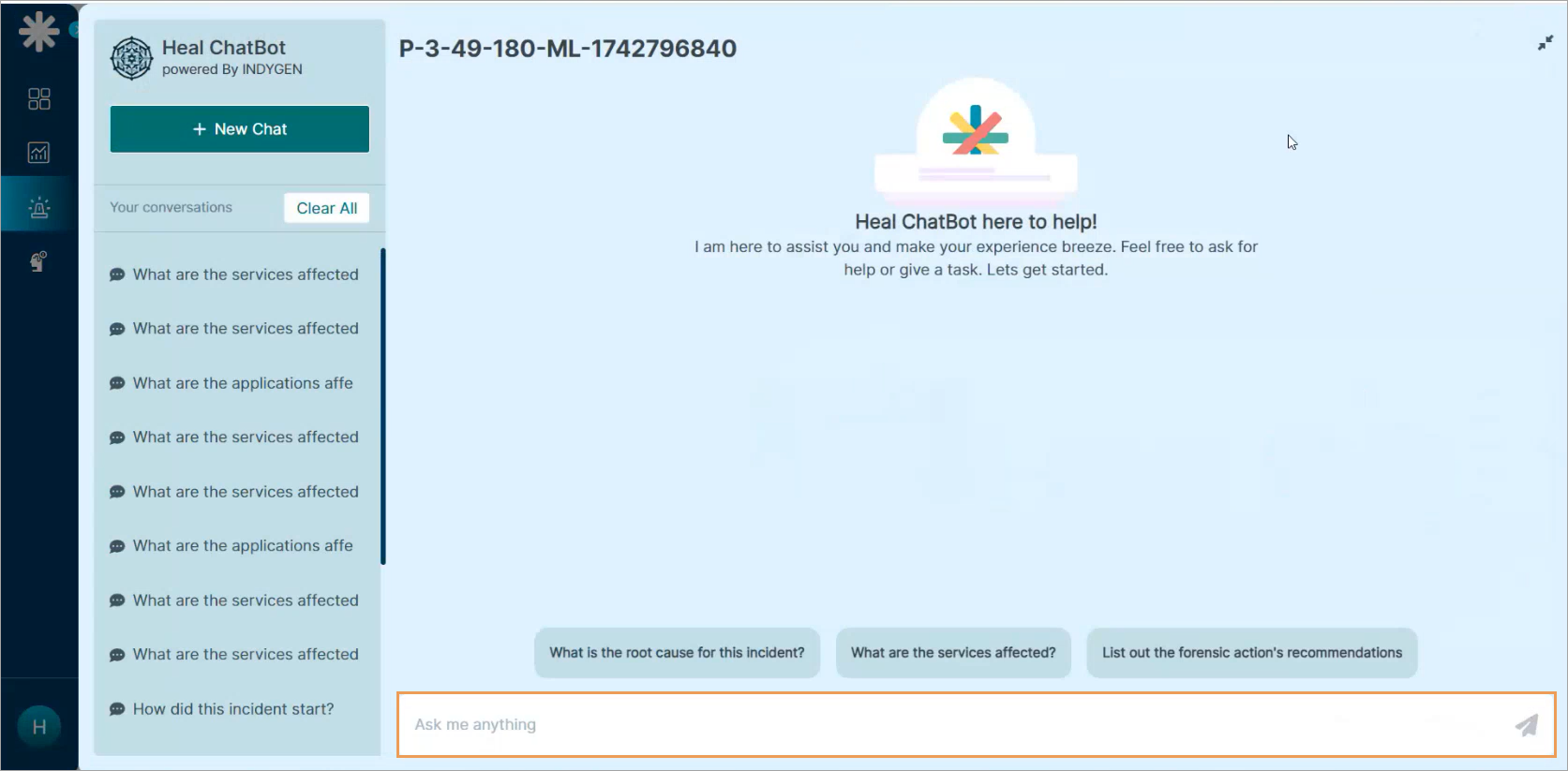
3. Type your question in the Ask me anything field.
For example: What are the services affected by this incident?
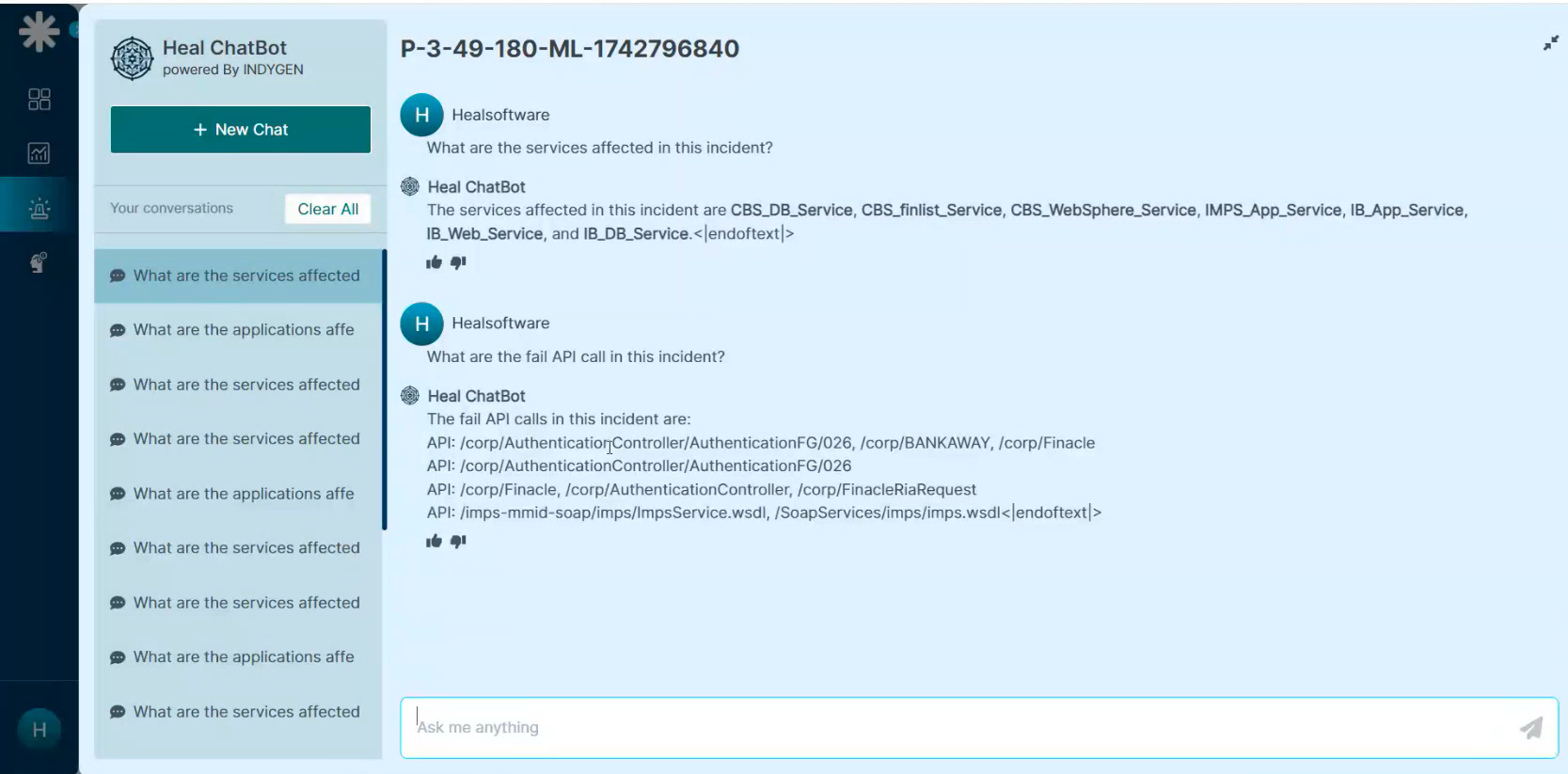
4. Read the response and act on the insights.
Tip. You can ask follow-up questions to refine the investigation or request specific corrective actions.
Next
- Incident Details . open one incident.
- Root Cause Analysis . automated RCA in HEAL.
- Event Correlation . the event-level graph for an incident.
